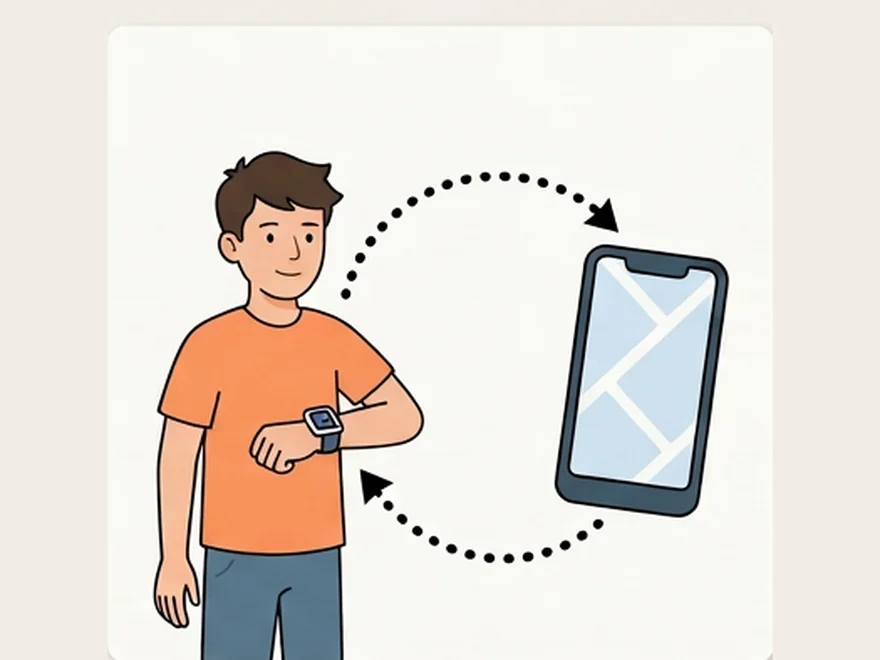
Read this before you buy anything
For most families with a teenager, the honest answer is that you don't need a new device. A teen who already carries a phone has location sharing, crash detection and emergency SOS built in, at no extra cost. The questions worth spending time on are how you use them and what you agree with your teenager — both of which matter more to the outcome than any hardware.
What the phone already does, free
Before comparing products, check what's sitting unused on the device they carry everywhere.
| Need | Built-in answer | Cost | When a separate device helps |
|---|---|---|---|
| Know where they are | Find My (Apple) or Google Maps location sharing / Family Link | Free | Rarely. Mainly if the phone is routinely dead or left behind. |
| Car crash alert | Crash Detection on iPhone 14 and later, recent Apple Watch, and Pixel | Free | If they drive and don't carry a recent phone. |
| Emergency SOS | Hold side buttons on any modern phone or smartwatch | Free | Watch is faster to reach than a pocketed phone. |
| Driving behavior | Apple/Android driving-focus modes; insurer telematics apps | Free or insurer-linked | Insurer programs can cut premiums — but read the data terms. |
| Screen time limits | Screen Time (iOS) or Family Link (Android) | Free | Almost never. Paid parental control apps collect far more. |
The genuine case for a smartwatch at this age is usually not safety. It's sport, sleep, notifications without the phone, or swimming — ordinary reasons to want a watch. That's fine. It just isn't the same purchase as a safety device, and it shouldn't be sold to you as one.
Crash detection is real, and it cries wolf
Crash Detection genuinely works, and it has summoned help for people who couldn't. It also misfires in ways worth knowing about before you rely on it.
Apple's implementation has repeatedly triggered on skiing falls and rollercoasters. One Colorado dispatch center, Summit County 911, fielded 71 automated crash alerts from phones and watches at four ski areas. Dispatchers in Ohio reported the same pattern from an amusement park. Apple has acknowledged the problem and tuned the algorithm, but the physics are hard: a heavy fall and a low-speed collision look similar to an accelerometer.
What this means practically: teach your teenager what the alert screen looks like and how to cancel it, and know that an unanswered alert may send responders to a mountainside. Useful feature, imperfect sensor — treat it as a backstop, not a guarantee.
The evidence on tracking teenagers
This is the part product pages never discuss, and it's the part that determines whether tracking helps or backfires. Roughly half of US parents report using location-tracking apps on their adolescents, so the research base is now reasonably solid.
What the research found
- It isn't inherently good or bad. Reviews of the literature converge on the same finding: the effect depends on the surrounding relationship, not the technology. Tracking as part of an open agreement behaves very differently from tracking that replaces conversation.
- Constant tracking can remove the chance to earn trust. If a parent always knows where their teenager is, the teenager never gets to demonstrate they can be relied on — which is how trust is actually built.
- Autonomy is a developmental task, not a privilege. Researchers note that always-on tracking can crowd out practice at planning a day, navigating unfamiliar places, and judging risk — skills that need rehearsal before adulthood.
- Teens who help set the rules do better. Adolescents who report having a say in digital rules also report higher trust in their parents and better outcomes on measures including mood and body image.
The practical implication: if you use location sharing, make it mutual and make it known. Covert tracking is the version most likely to damage the relationship, and it's also the version most likely to be discovered.
Carrier-certified, or open market?
Two cellular watches can look identical and be very different underneath. One sold through a mobile operator has passed PTCRB certification and that operator's own testing and data-handling requirements. One bought on a marketplace has usually cleared only FCC radio authorization — the legal minimum, which says nothing about encryption, data retention or who holds the data. Nothing on the box distinguishes them. How to tell the difference →
Family safety apps: check what they do with the data
Teen tracking mostly runs through apps rather than dedicated hardware, which moves the risk from the device to the data.
The Life360 case, in detail
The clearest case is Life360. A 2021 investigation by The Markup found the app — then used by around 33 million people and marketed for tracking children — was selling precise location data to roughly a dozen data brokers. The company stopped selling to most of them a month later, moving to aggregated data with one partner while continuing to supply precise location to Arity, an Allstate company. A class action followed, and US regulators approached the company for information about its data practices.
The lesson isn't "avoid one app." It's that a free or cheap family-safety service has to make money somewhere, and continuous location on millions of teenagers is a saleable asset. Before installing anything, read what the privacy policy says about sale, sharing and retention — and prefer the platform's own built-in sharing, which isn't monetised that way.
School rules apply here too
The device restrictions covering younger children apply just as much to secondary schools. As of December 2025, 35 states and Washington, D.C. have laws or policies on student device use, many written bell-to-bell and many naming smartwatches alongside phones. A watch bought so a teenager can be reached during the day may well have to be off for that whole day.
Seven questions worth asking
- Does the phone they already carry do this? (Usually yes.)
- Does my teenager know about it, and did they have any say in the arrangement?
- Is location sharing mutual — can they see me too?
- What does this app's privacy policy say about selling or sharing location data?
- What's the plan for scaling this back as they get older?
- If they drive: does their phone support crash detection, and do they know how to cancel a false alarm?
- Am I buying a safety device, or a watch they want? Both are fine — but be clear which.
What we're working on
Assessments for this segment will cover the built-in platform tools alongside paid alternatives, with each app's data practices — retention, sharing, sale — stated plainly. The weekly brief is where they land first.
No prevention claims. No app or device prevents a collision, an assault or any other harm. Location sharing and crash detection can shorten the time before someone gets help. That is a real benefit, and it is a different claim.